
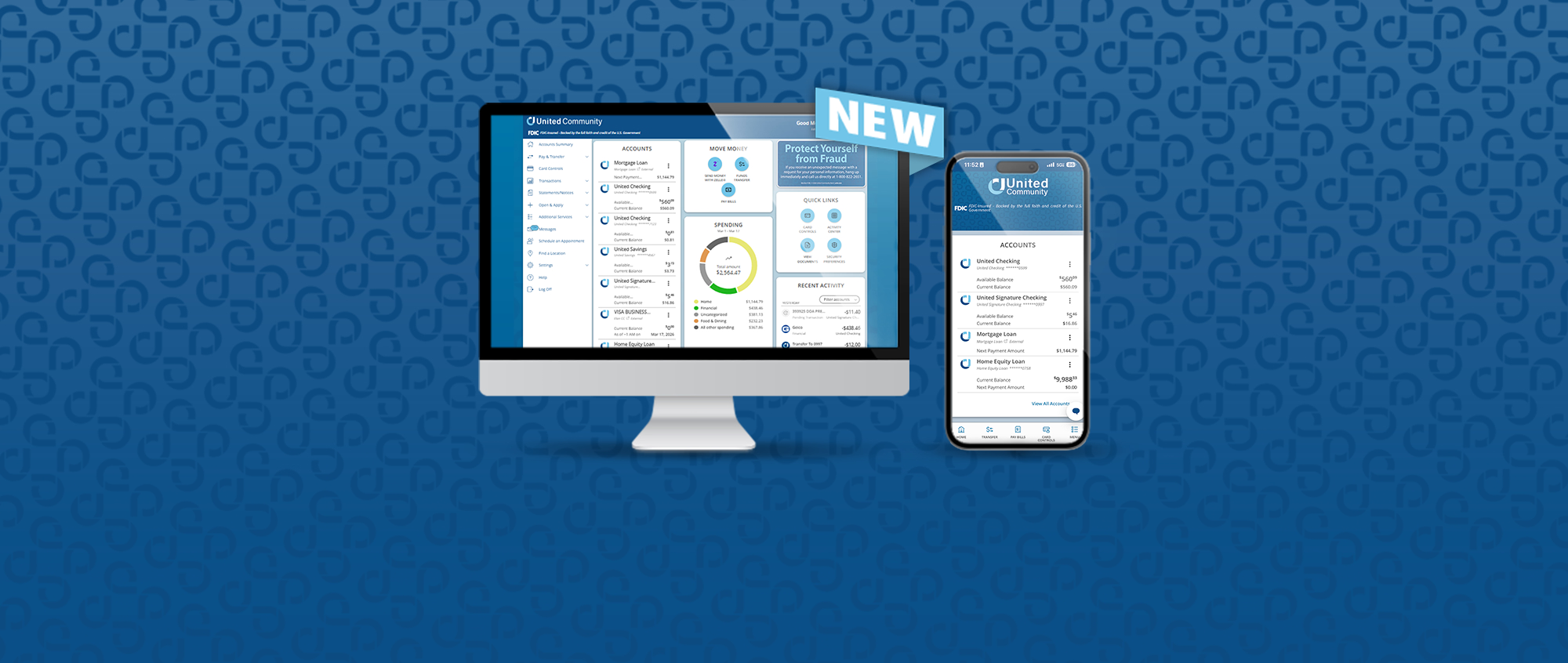
New Online and Mobile Banking Homepage
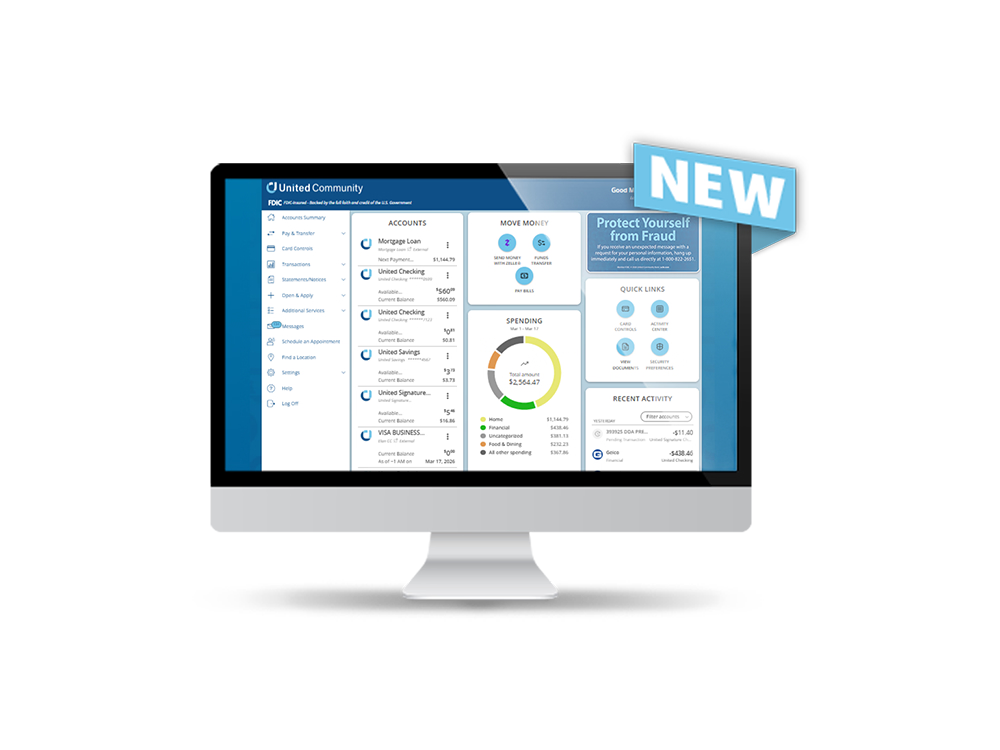
- New, redesigned homepage experience
- Larger and more prominent account info
- Easy access to check your available balance
- New views for account summaries, recent activity, and spending
- Easy-to-find, quick-action buttons
Frequently Asked Questions
We updated the homepage to give you a better view of your finances at a glance. The new dashboard design is more flexible, making it easier to see what matters most to you and take action quickly.
All menus and the pages you’re used to will stay the same. This update only refreshes the homepage dashboard to give you a more modern and helpful overview of your accounts.
Yes. Your homepage dashboard maintains the same high level of security and privacy protections you expect from United Community
No. The new homepage dashboard replaces previous experience and provides a more modern, flexible solution.
At this time, the new homepage dashboard is for personal and private wealth online and mobile banking only. Stay tuned for small business and commercial banking homepage updates coming in the future.
On the Manage Accounts page, click the star to favorite the account you want to display on the homepage. You can select up to 20 ‘favorite’ accounts to show on the main homepage.
Click ‘View All Accounts’ below your account list to open the Manage Accounts page.
On the Manage Accounts page, click the star to unfavorite the account you don’t want to display on the home page.
On the Manage Accounts page, click the 6 dots next to an account to drag & drop the accounts to re-order them.
Click into a specific account and select the Details & Settings tab.
United’s routing number is listed several places within online banking:
- Scroll to the bottom ofthenew homepage screenwithin online bankingto view the Routing Number widget block
- Find it in the footer (very bottom) of online and mobile banking
- Find it at the top of an account page
You can access your budget through the My Money Manager: Spending widget on your dashboard. Click the three dots at the bottom of the widget to view other financial tools.
At this time, the tiles are static and cannot be rearranged or removed.
The experience is optimized for each device, so mobile layouts are simplified for smaller screens while desktop offers a more expanded dashboard view.
We’ve transitioned from fixed account groups to flexible account tagging to give you more control over how your accounts are organized. This lets you categorize an account in multiple ways (like Bills or Savings) instead of being limited to just one group.
Apply tags to your accounts based on how you want to organize them—like Bills, Savings, or Travel. You can add, edit, or remove tags anytime to customize how your accounts appear in your dashboard. After a tag is added on the Manage Account page, when you return simply click on the All Accounts button to choose the tag to display the accounts you would like to view instead of all accounts. To switch back to the All Accounts View, click on the ‘X’ on the tag to unsort the list.
Manual accounts are a way to represent external debts, properties, or any account type that you are unable to link at another financial institution. You can utilize this feature to track your balance and accurately reflect your financial health.
Connecting an External account makes that account available to transfer to and/or from held accounts.
At the bottom of the My Money Manager (Spending) widget block, click Link Account and find your institution by using the search box or select one from the Quick Picks list. You may search by either institution name or website URL.
To select the accounts you'd like to show in your My Money Manager tools, click the three dots at the bottom of the widget block and choose one of the financial tools. Finally, use the filter to choose the accounts you’d like to add to MMM.
Filter icon: 
Yes. You can deposit a check with your mobile device (smartphone) by tapping the Menu option at the bottom, then tap ‘Deposit a Check’.
Mobile deposit history can be viewed on desktop, but a check cannot be deposited via desktop.